Home / Guides / Publishing
ASIN vs ISBN: What’s the Difference for Your Book?
 By AuthorWings editorial team
7 min read
By AuthorWings editorial team
7 min read
Short answer
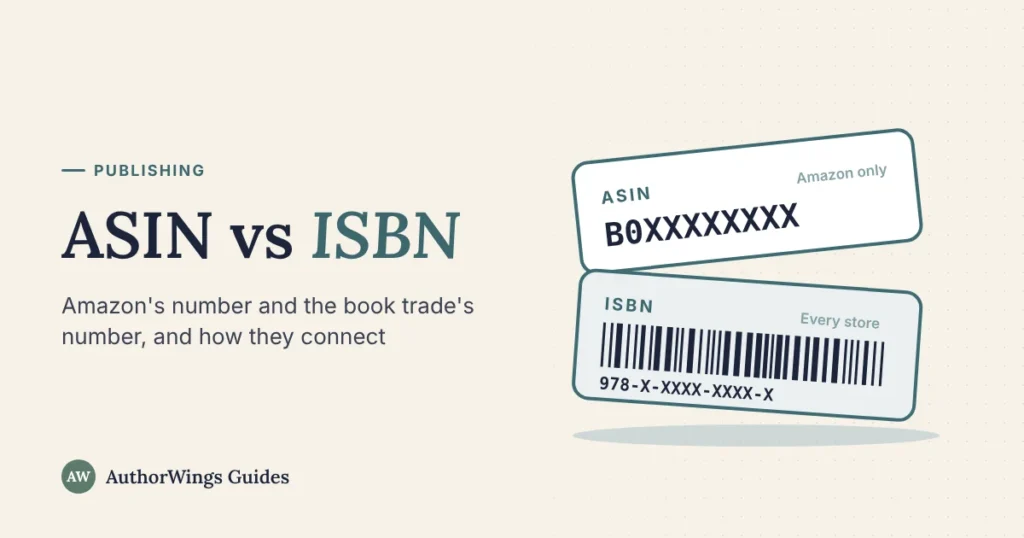
An ISBN is the book trade’s ID number: 13 digits, issued through your country’s ISBN agency or free from KDP, one per format, and recognized by stores and libraries everywhere. An ASIN is Amazon’s own 10-character product number, assigned free to every book it sells. Kindle ebooks need only the ASIN; paperbacks and hardcovers need an ISBN.
Every book on Amazon has an ASIN, and many also have an ISBN, so the two get mixed up. This guide shows what each number does, which formats get which, and how they connect on your Amazon listing. If you’d rather have it set up for you, our Amazon publishing setup handles the numbers in your name.
ASIN vs ISBN at a glance
| ASIN | ISBN | |
|---|---|---|
| Stands for | Amazon Standard Identification Number | International Standard Book Number |
| Who issues it | Amazon, automatically | Your country’s ISBN agency (Bowker in the US), or KDP for free |
| Format | 10 characters (all digits on many print books) | 13 digits (10 digits before 2007) |
| Where it works | Amazon only | Bookstores, libraries and distributors worldwide |
| Cost | Free | $125 for one or $295 for ten from Bowker, as of October 2026; free from KDP for KDP print books only |
| Needed for | Selling on Amazon (every format gets one) | Paperbacks and hardcovers; optional for Kindle ebooks |
| Can you choose or move it? | No | Your own ISBN, yes; a free KDP ISBN stays on KDP |
For what each part of an ISBN means, see our guide to what an ISBN is.
What an ASIN is and when Amazon assigns one
An ASIN is the number Amazon uses to tell its products apart, from books to kettles. KDP calls it “similar to an ISBN,” and it’s 10 characters long. You don’t apply for one: when you publish through KDP, Amazon assigns an ASIN to each book, and you can see it under the title in your KDP Bookshelf.
You can’t pick or change your ASIN. If you change something KDP treats as a new edition, such as the title, author name or trim size, you publish it as a new title, which gets its own ASIN.
Which formats get which number
| Format | ASIN | ISBN |
|---|---|---|
| Kindle ebook | Yes, assigned by Amazon. Kindle ASINs usually start with B0 | Optional on KDP; some other ebook stores ask for one |
| Paperback | Yes. For a 978 ISBN, the ASIN is usually the ISBN-10 | Required: KDP’s free ISBN or your own |
| Hardcover | Yes, its own | Required, and different from the paperback’s |
| Audiobook on Audible | Yes, its own | ACX finds your book by the ebook’s ASIN, not an ISBN; other audiobook stores and libraries may ask for one |
Each format is a separate product, so a book with an ebook, paperback and hardcover has three ASINs and, if the ebook has no ISBN, two ISBNs. Amazon then tries to link the formats on one detail page, usually within a week of each going live. For that, the title, subtitle, author, contributors, series, volume, edition and language must match exactly, print formats must share the same interior type (black and white or color), and every format must be published through KDP under the same account.
How the ASIN and ISBN connect on Amazon
For print books with an ISBN starting 978, Amazon has long used the 10-digit form of the ISBN as the ASIN. If formats don’t link, KDP’s help asks you to contact them with “the ASIN of the eBook and the 10-digit ISBN number of the paperback or hardcover.” That ISBN-10 isn’t the last 10 digits: the check digit at the end is recalculated, so it often changes. Our guide to ISBN-10 vs ISBN-13 shows how.
ISBNs starting 979 have no 10-digit form, so those print books get an ASIN of their own instead, usually starting with B. Since 2020, the US agency has also issued ISBNs starting 979-8, so many newer US paperbacks have no ISBN-10. Amazon’s affiliate help says book ASINs “used to be the same as their ISBNs” but this “is no longer guaranteed.”
Free tool
ASIN and ISBN checker
Paste any book number: an ASIN, an ISBN-10 or an ISBN-13, with or without hyphens. It tells you which it is and how it connects on Amazon.
Valid means the number is correctly formed. It doesn’t look the number up or show whether it has been assigned to a book. Results are shown without hyphens, because where they go depends on the publisher’s number range.
Where to find your ASIN and ISBN
- In KDP: your Bookshelf shows the ASIN under each book’s title, and the ISBN for print formats.
- On Amazon: open the book’s page and scroll to “Product details.” Ebooks show the ASIN; print books show the ISBN-13, plus the ISBN-10 if one exists, and some also list an ASIN.
- In the web address: the 10 characters after /dp/ in an Amazon book link are the ASIN.
- In the book: your ISBN goes on the copyright page and in the barcode on the back cover. The ASIN doesn’t appear in the book.
When the ASIN matters
The ASIN does jobs only inside Amazon:
- A short link to your book. KDP suggests linking to amazon.com/dp/ followed by your ASIN, which works on your website and in your newsletter.
- Amazon Ads. You pick the book to advertise by title or ASIN, and product targeting can show your ads on specific other books.
- Author Central. You claim your author page by searching for one of your books by ISBN, ASIN or author name.
- Audiobooks. ACX, Audible’s audiobook platform, finds your book by the ebook’s ASIN, so your Kindle ebook must already be for sale on Amazon.com. See how to make an audiobook.
Outside Amazon, bookstores, libraries and distributors look books up by ISBN, so an ASIN alone won’t get your book ordered there. Whether you need to buy your own ISBN depends on where you sell; see whether Amazon needs an ISBN for the options and costs.
When to get help
The numbers are simple once they’re set up, but a mismatch can stop formats linking or send readers to the wrong edition. Our Amazon tier ($249) publishes your Kindle ebook with its ASIN, and we can register your own ISBN for $30 plus the agency fee. To do it yourself, follow our guide to publishing on Amazon step by step.
Amazon publishing
Publishing on Amazon?
We set up your book on KDP in your name, with the right numbers for every format.
- Amazon, $249: your Kindle ebook, with its ASIN
- Online Stores, $549: adds four more ebook stores and an Amazon paperback
- Your own ISBN, $30 plus the agency fee
ASIN and ISBN questions
Can I use an ASIN instead of an ISBN?
Only for a Kindle ebook sold on Amazon. KDP doesn’t require an ISBN for ebooks, so the ASIN Amazon assigns is enough there. Paperbacks and hardcovers need an ISBN, and stores and libraries outside Amazon find books by ISBN, so an ASIN can’t stand in for one anywhere else.
Can I choose or change my ASIN?
No. Amazon assigns the ASIN when you publish, and you can’t pick it or edit it. If you change something KDP treats as a new edition, such as the title, author name or trim size, you publish it as a new title, which gets its own ASIN. Your old ASIN stays with the old edition.
Does a book have the same ASIN in every Amazon store?
Usually, for books published through KDP. KDP’s linking help gives the same amazon.[store]/dp/ASIN pattern for every Amazon store, from amazon.com to amazon.co.uk and amazon.de. Some books do carry different ASINs in different stores, though, so if a link doesn’t work in one country, check the book’s Product details on that store.
Can someone find my book by its ASIN outside Amazon?
Not reliably. The ASIN is Amazon’s internal product number, so bookstores, libraries and distributors don’t use it to order books. Some reading sites, such as Goodreads, record ASINs for Kindle editions. For any sale outside Amazon, from a bookstore order to a library request, give buyers your ISBN.
Related reading: What is an ISBN? · ISBN-10 vs ISBN-13 · How to self-publish on Amazon
AuthorWings editorial team
The AuthorWings editorial team writes and updates our guides for first-time authors. Every post is read and edited by a person on our team before it is published.